Looking for a Gmailify alternative?
Gmailify (Gmail's “check mail from other accounts”) collects mail from other addresses into one Gmail inbox. That works until your team needs the mail: everyone shares one login, re-forwarding hits Gmail's daily send caps, and forwarded copies break DKIM/SPF signatures.
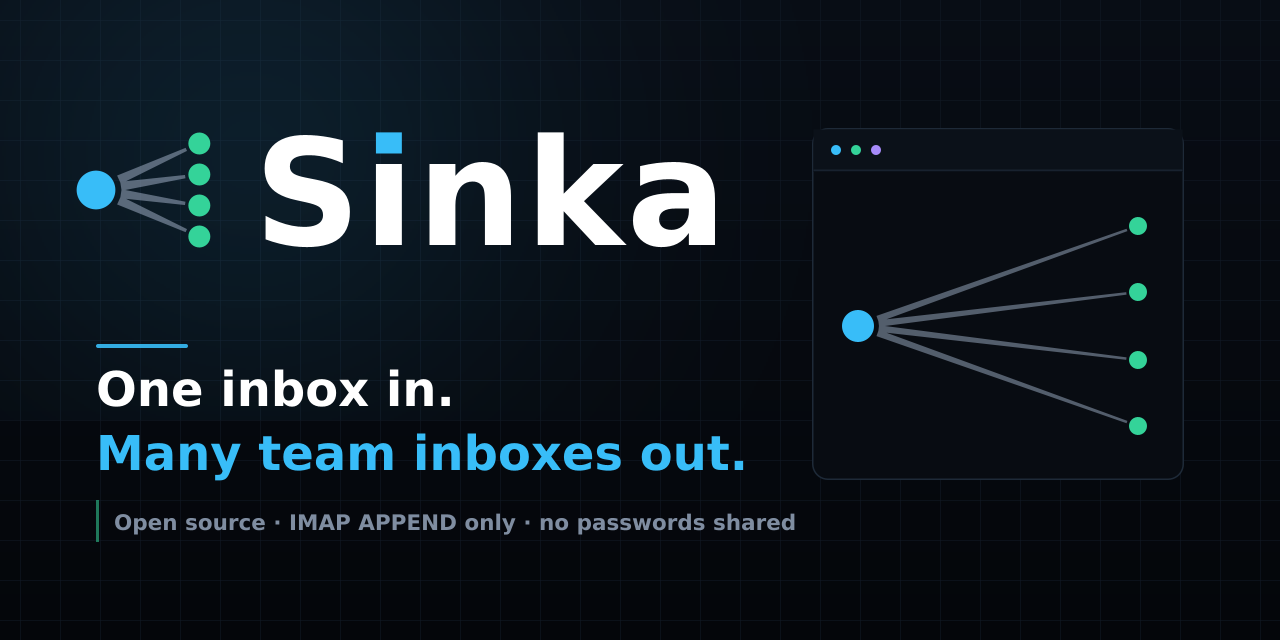
Sinka solves the opposite problem. It reads the one inbox you already use and files an identical copy of every new message into each team member's own inbox over IMAP — the same thing Thunderbird does when you drag a message between accounts. Nothing is ever sent as mail, so there is no send cap, and signatures stay exactly as their sender wrote them. Each person reads their own inbox, with their own replies, history and rules.
Sinka vs Gmailify
Different job, not strictly better or worse — pick the one that matches how your team reads mail.
| Sinka | Gmailify | |
|---|---|---|
| Which way mail moves | Fan-out: one inbox to many inboxes | Fan-in: many addresses to one inbox |
| Who reads the mail | Each person reads their own inbox | People share access to the collecting inbox |
| Sending limits | Never sends, so no send cap | Re-forwarding can hit Gmail's daily send cap |
| Signatures (DKIM/SPF) | Stay intact — bytes are copied, not re-sent | Re-signing can break on forward |
| Setup | One App Password per inbox, no shared mailbox | One collecting account everyone trusts |
| Cost / license | Free, open source (MIT), self-hosted | Free, built into Gmail |
How Sinka works
- Checks the source inbox on its own timer — every 5 minutes, over IMAP, looking for new mail (read or unread).
- Files a copy into every active team inbox. The bytes are stored as they arrived. The original stays where it is.
- Never duplicates. Every filed message ID is written down (local file, or a D1 table on Cloudflare's edge), so restarts never copy twice.
- One bad password holds up one inbox, not the others. A refused copy is retried, then flagged — the rest carry on, and a test copy proves a repaired password works.
- A dashboard and a public status page show one plain verdict: everything is working, or exactly which inboxes need help.
50 teams already shaped like yours
Support desks, clinics, trades, schools, agencies, hotels and more — each with one inbox fanned out to the whole team. Browse the 50 Sinka use cases to find your setup, with the exact mail flow and what to watch for.
Get started in four commands
- Turn on IMAP and create one App Password per inbox (source + each team inbox).
git clone https://github.com/janasco/sinka.git && cd sinka && npm install- Copy
.env.exampleto.envand fill in the addresses and App Passwords. npm run poll-once && npm start— open the dashboard and press Send a test copy.
Run it day and night on Cloudflare's edge (Worker + container + D1) or on any computer with Node 20+. Full runbook in the repo: DEPLOY_EDGE.md.
Gmailify alternative FAQ
Is Sinka free?
Yes. MIT-licensed open source; the only costs are whatever you already pay for Gmail and, for 24/7 edge hosting, a Cloudflare Workers Paid plan.
Does Sinka forward emails?
No — and that is the point. Forwarding re-sends mail (send caps, broken signatures). Sinka APPENDs the raw bytes into each inbox over IMAP, so copies arrive as ordinary messages that were never “sent.”
Gmailify vs Sinka — which should I choose?
Choose Gmailify if one person collects mail from several of their own addresses. Choose Sinka if one inbox (support@, info@, orders@) must reach a whole team, each in their own inbox.
Do team members need to share a password?
No. Each inbox uses its own App Password, revocable independently. Nobody shares a mailbox login.
What happens when a password is revoked?
That one inbox is flagged after three refusals while the rest keep copying. Fix the password, press “Send a test copy,” and copying resumes — the dashboard tells you exactly which inbox needs help.
Can I see whether Sinka is working?
Yes. The dashboard shows a one-line verdict plus per-inbox tiles, and /status is a public, counts-only status page with recent-check history.